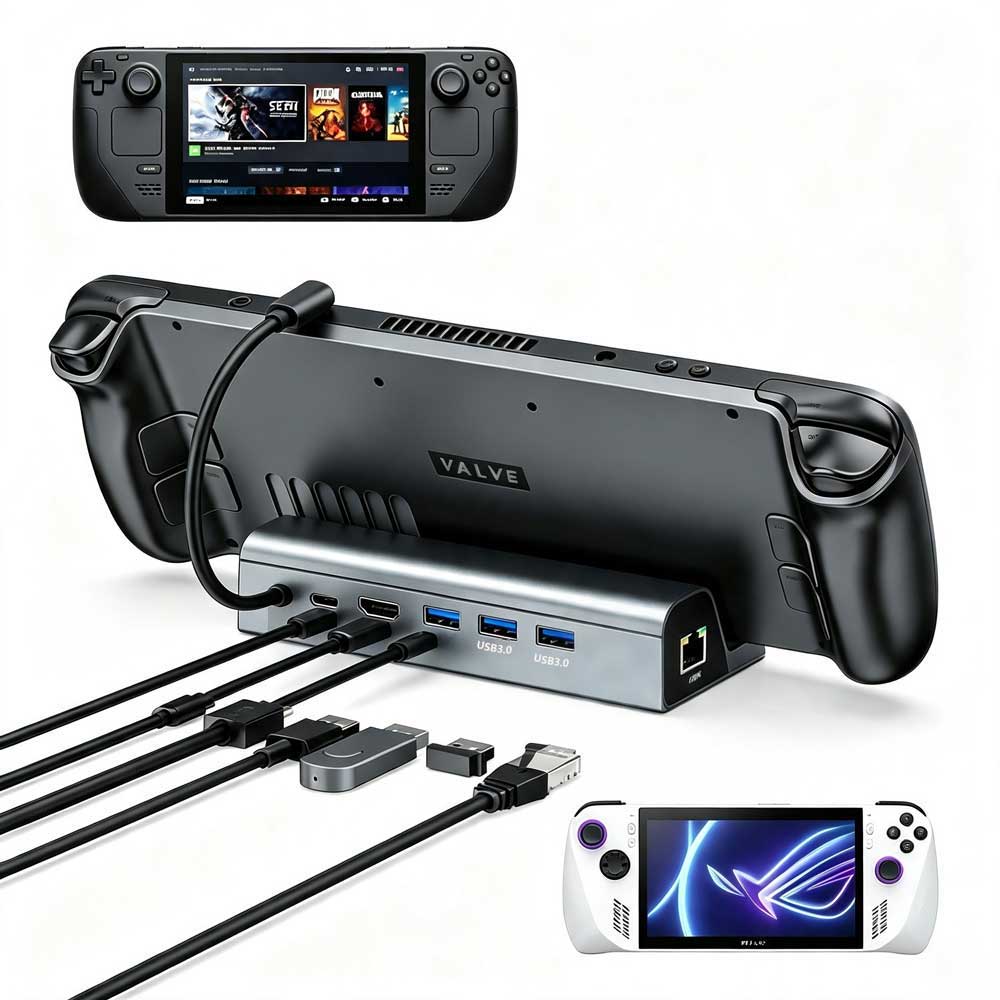
AIRSKY HC87 vs HC86A: Choosing a Dock for Your Sourcing Project
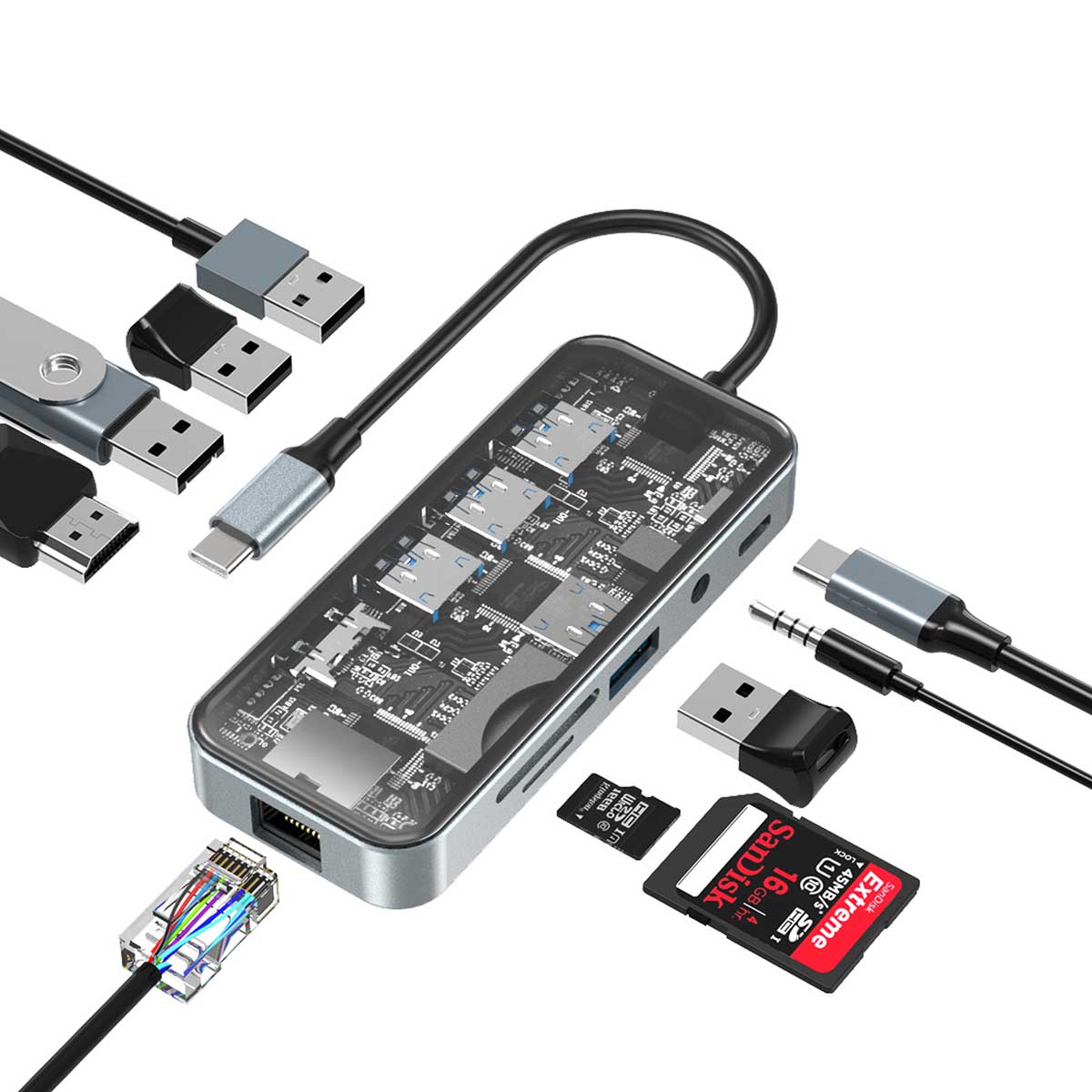
Review HC87 for a compact multiport setup with card readers and audio connections. Review HC86A when your project calls for a handheld stand combined with docking functions. The right choice depends on the exact devices, display setup and connections your customers need.
Compare the listed configurations
| Selection point | HC87 | HC86A |
|---|---|---|
| Product format | 10-in-1 USB-C docking station | 6-in-1 handheld stand and docking station |
| Listed connections | HDMI, Gigabit Ethernet, USB ports, SD/TF readers, 3.5 mm audio and USB-C PD input | HDMI, Gigabit Ethernet, three USB-A 3.0 ports and USB-C PD input |
| Display wording | Listed as 4K HDMI; confirm the required refresh rate and setup | Listed HDMI output up to 4K at 60 Hz, subject to the host, display, cable and settings |
| Power wording | USB-C PD input up to 100 W; confirm host charging performance for your setup | Confirm the power adapter, connected handheld and charging requirements |
| Main sourcing question | Which port combination and host devices must the hub support? | Which exact handheld version and stand/dock arrangement are required? |
Does a 100 W PD input mean 100 W reaches the host?
HC87’s published figure describes the USB-C PD input. It should not be quoted as a confirmed host charging output. Provide your host device, power adapter, cable and required workload so AIRSKY can confirm the relevant configuration and validation conditions.
Does 4K at 60 Hz mean every game runs at 4K and 60 fps?
No. HC86A’s listed HDMI output describes the display connection specification. It does not promise that every game renders at 4K or runs at 60 frames per second. Confirm the handheld, display, cable and selected settings for the intended setup.
Which handhelds has AIRSKY tested with HC86A?
AIRSKY states that it has tested HC86A with Steam Deck, ASUS ROG Ally, ASUS ROG Ally X, Lenovo Legion Go and MSI Claw.
For your project, confirm the exact handheld version, software, charger, display and cable combination during sample validation. A model-family compatibility statement should not replace checking your intended configuration.
What should you send before requesting a quotation?
Send the required ports, exact host devices, display requirements, simultaneous workloads, charging expectations, quantity per model, target market and customization needs. Identify which functions and conditions you want checked on a sample.
Review the HC87 product page and HC86A product page for current information, then contact AIRSKY to confirm the applicable specifications, customization scope, MOQ and timing.
Related resources: USB-C hubs and docking stations · About AIRSKY · Buying guides